


No. Credentials can also be given to the sheet group or to the customer, and the sheet inherits them. A PIN given to the customer opens all of their sheets and serial numbers.
For everyone, or only for those meant to see it.
On the same sheet.
The user manual is for whoever uses the machine. The service notes, the direct contacts, the details of a plant are for someone in particular. With FactoryDocs there is still only one sheet: the restricted content appears to whoever has the right credentials.
How it works
Choose what is restricted.
In the sheet you mark as restricted single documents, rows of the specifications, videos, images, support contacts, whole folders or the notes. Or you make a whole sheet restricted: without credentials not even its title can be seen. The restricted files you upload can’t be downloaded without credentials.
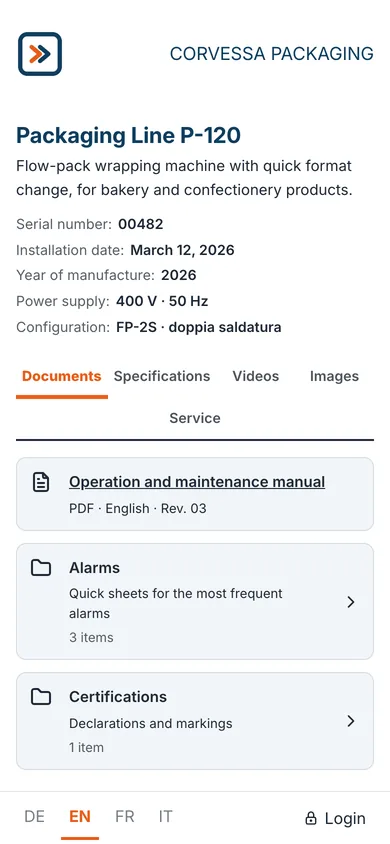
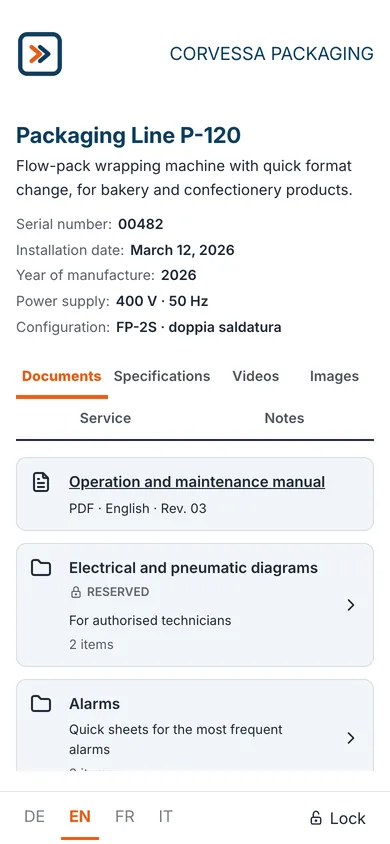
Hand out the credentials.
Credentials are given to a sheet group, a sheet, a serial number or a customer. There are three kinds:
- PIN: a numeric code to share, with a team of technicians for example;
- shared account: username and password, for a company or a department;
- personal account: a person’s email address, with which they sign in using a code received by email.
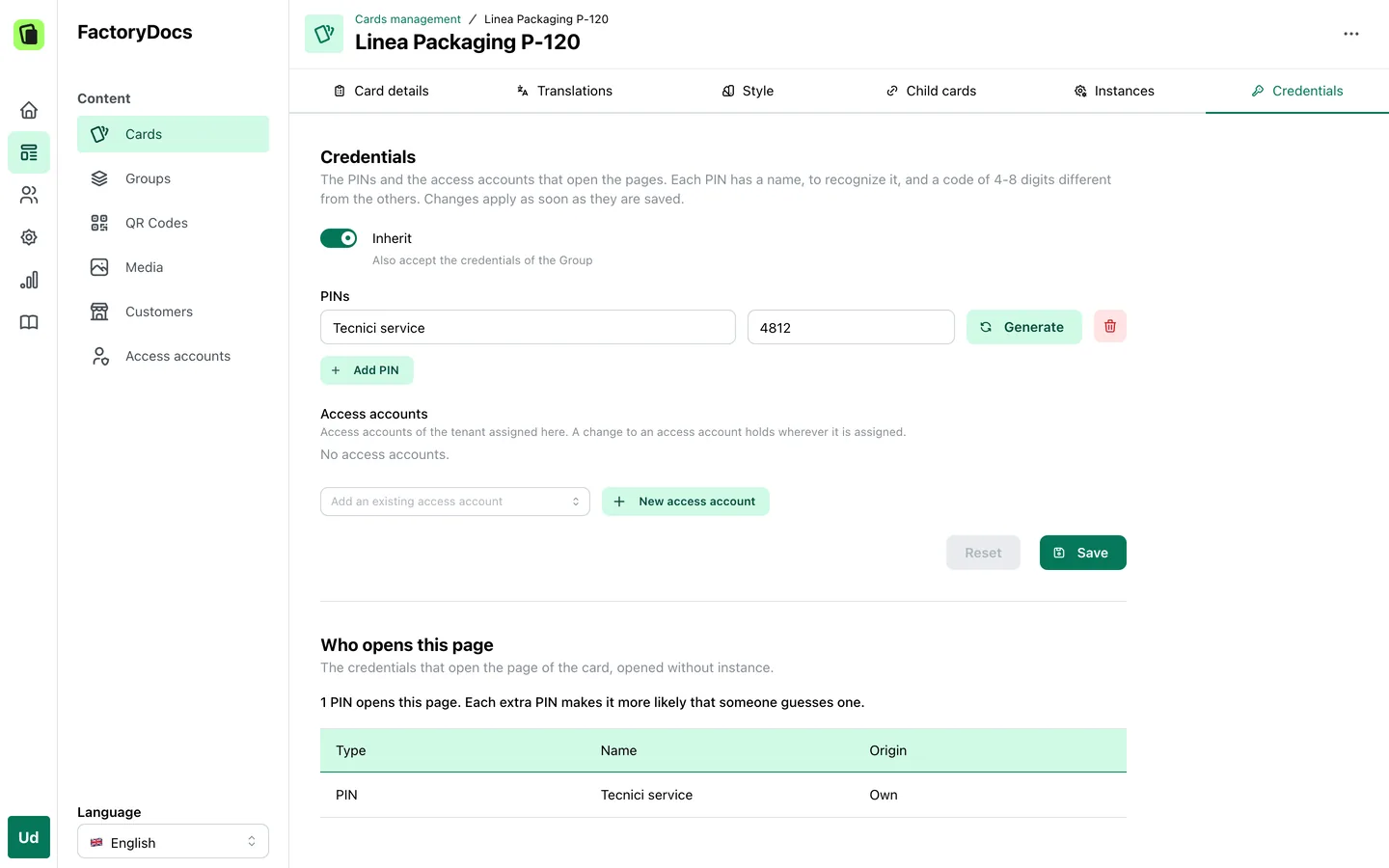
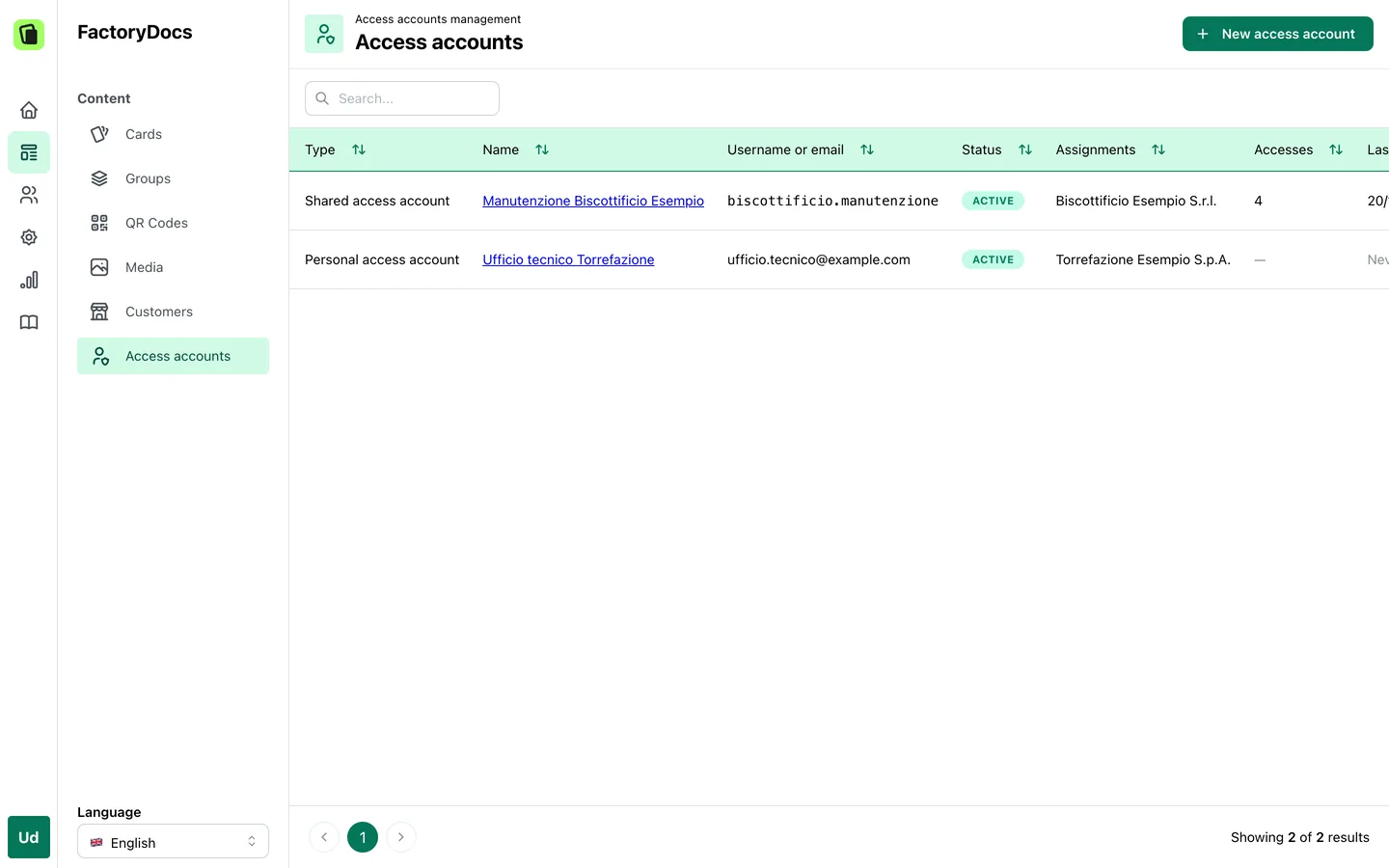
Credentials that are inherited.
A sheet opens with its own PINs and accounts, with those of its customer and, unless you exclude it, with those of its sheet group. That’s why you don’t need a password for each sheet: give the customer a credential, and it opens all of their machines.
Unlocking and signing in.
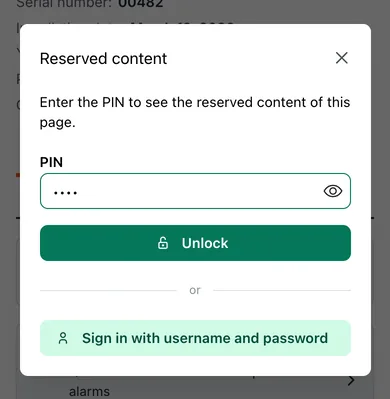
Whoever scans the QR code taps Login, at the bottom of the page. With a PIN they unlock that page until they close the browser tab, for 12 hours at most. With an account they sign in for 30 days to every page that account opens.
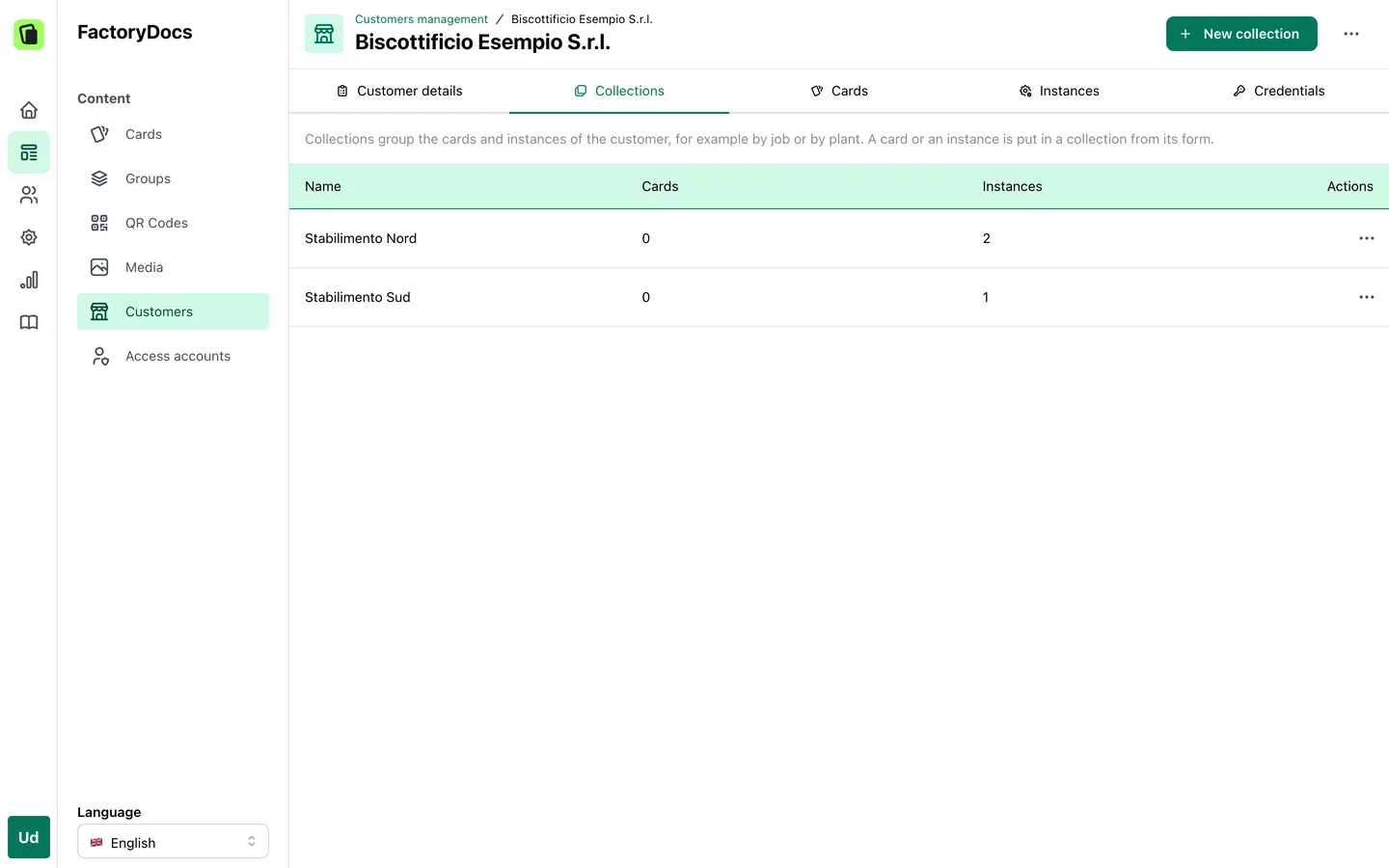
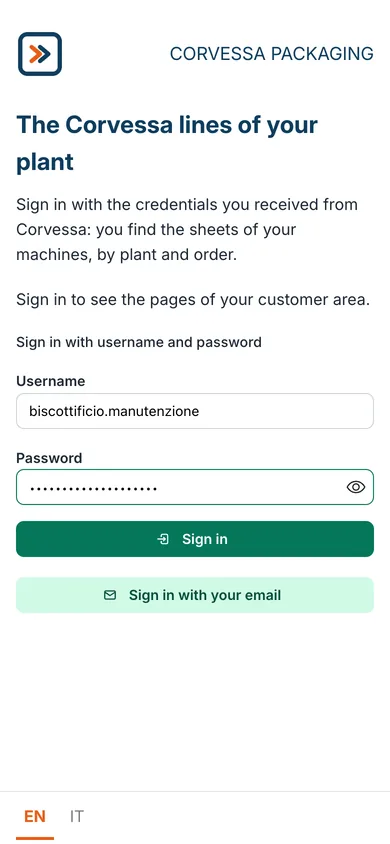
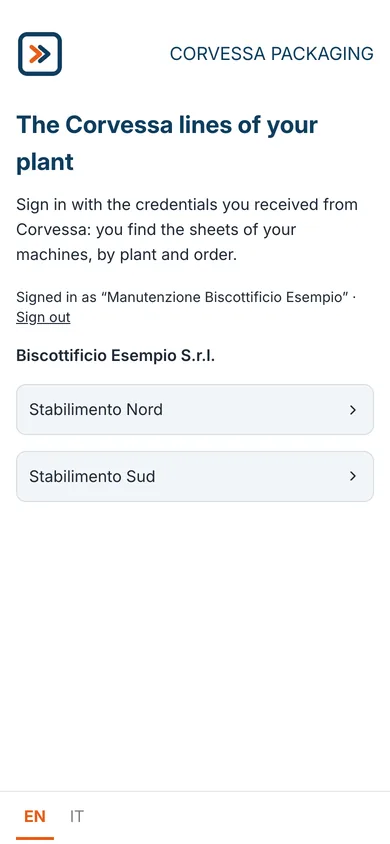
The customer area.
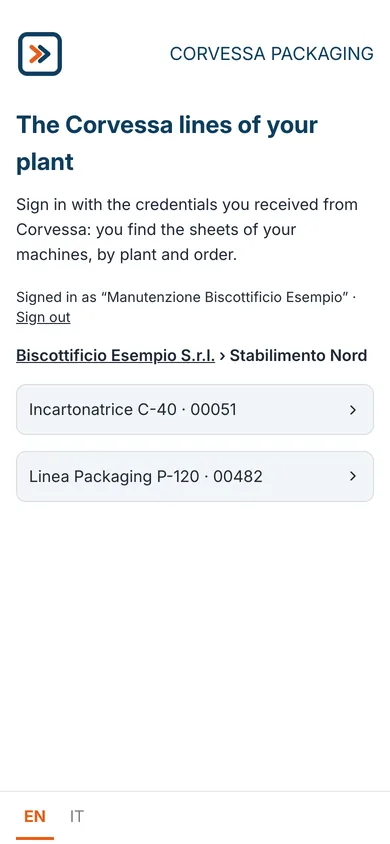
Create your customers, assign each one its sheets and serial numbers, and group them into collections, by plant or by order for example. Then put the customer area on a block page: whoever signs in with an account finds the list of machines they can open, by customer and by collection.
Frequently asked questions
No. Public sheets open without signing up. Restricted content needs a PIN or an account, which you create and hand out.
A PIN unlocks one page until the browser tab is closed, for 12 hours at most. An account, shared or personal, signs in for 30 days to every page it opens, and gives access to the customer area.
Yes. You assign the customer their sheets and serial numbers and give them an account: in the customer area they find only those.
Content for everyone, content for a few.
Try FactoryDocs on one of your machines, with its public content and its restricted content.
Request a free trial