


Yes. Documents are files, PDFs for example, with a title and a description. They are uploaded to the Documents section, into folders too.
All of the machine’s documentation.
In one sheet.
The manual is in a binder, the diagram on a PC in the technical office, the video on a USB stick. The people who work on the machine look for them when they need them, often while the machine is stopped. The machine sheet gathers them on one page, which opens when you scan the QR code.
How it works
The machine, at the top.
The sheet opens with the type of machine and a short description. If the QR code belongs to a serial number, the serial number, the installation date and the details of that specific unit appear too.
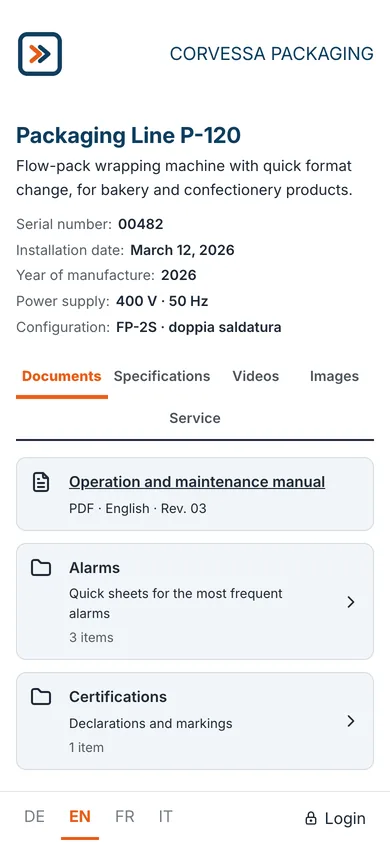
Documents, in folders.
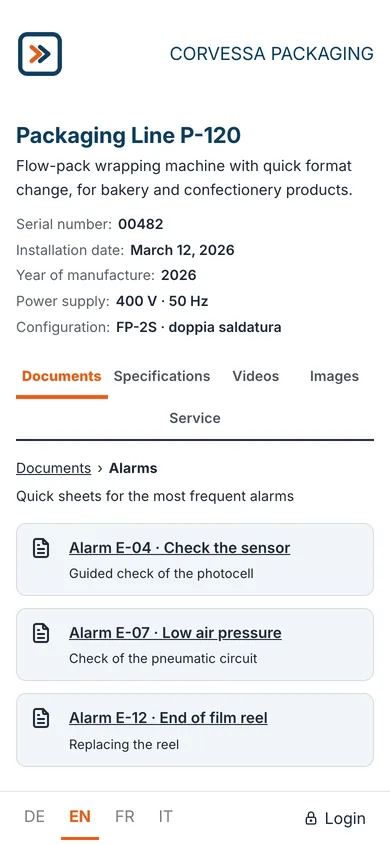
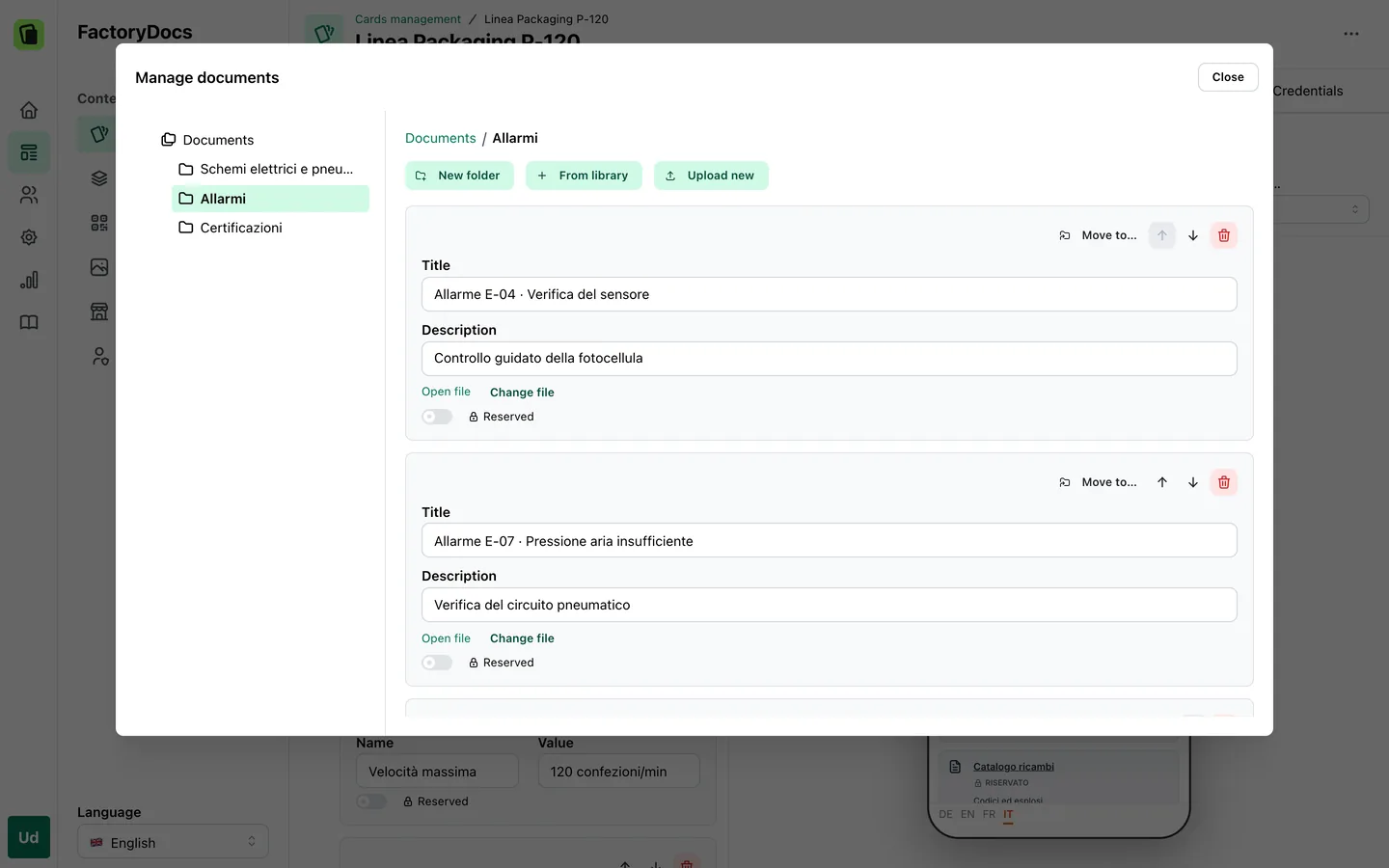
Manuals, diagrams, certificates: each document has a title and a description. Folders keep things in order, even one inside another. For example, an “Alarms” folder with a sheet for each frequent alarm.
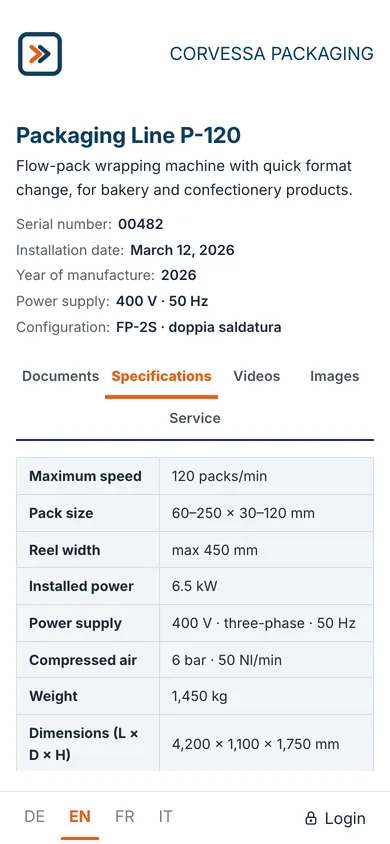
Specifications.
The technical details, as label and value pairs, in a two-column table.
Videos and images.
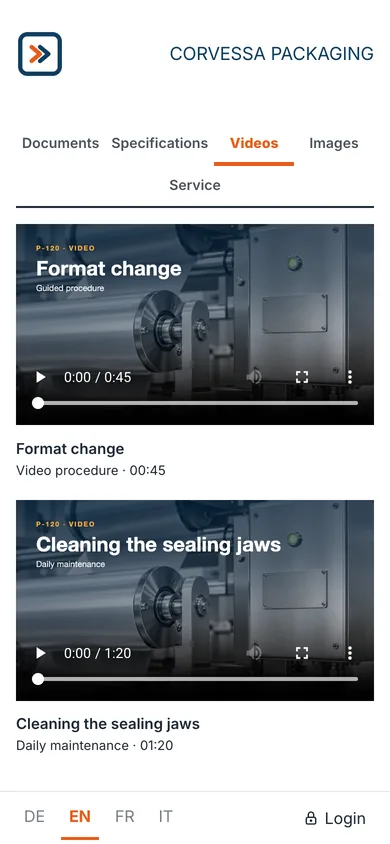
Videos uploaded, or embedded from YouTube and Vimeo, to watch on the page: a format changeover, cleaning, an adjustment. Images have a section of their own. Videos and images can be sorted into folders too.
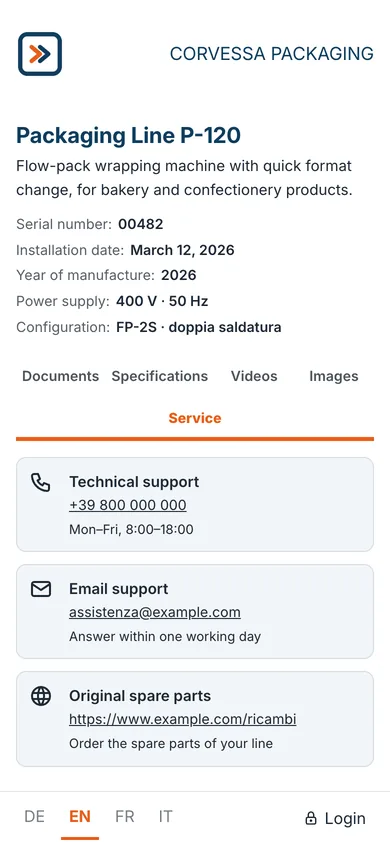
Service.
Phone numbers, email and web addresses of your service team, each with a title and a description. One tap on the number starts the call.
The serial number’s notes.
The notes of a unit, for example the work carried out on it, appear in the Notes section when the QR code of that serial number is scanned.
View, download, print.
Every document opens in the browser. From there, the people who work on the machine download it, so they have it without a network too, or print it.
Frequently asked questions
As documents: for example an “Alarms” folder in the Documents section, with a sheet for each frequent alarm.
Yes. The document opens in the browser, and from there it can be downloaded or printed with the functions of the phone or computer. Once downloaded, it can be read without a connection too.
Every model has its own sheet. Every serial number has its own QR code, which opens the model’s sheet with the details of that unit at the top. QR codes.
Yes. Single documents, rows, contacts or whole folders can be made restricted, and they open with a PIN or an account. Restricted content and customer area.
Take your first sheet onto the shop floor.
Try FactoryDocs on one of your machines: a sheet with your manuals, your videos and your contacts.
Request a free trial