


A QR code that holds a fixed address, whose destination can be changed without reprinting the code. In FactoryDocs every QR code is dynamic.
The manual’s QR code, on the machine.
Printed once.
A QR code on a machine has to work for years. What lies behind it changes: new revisions of the manual, a redesigned website, a different service team. With FactoryDocs the printed QR code stays the same, and you decide where it leads.
How it works
Why a QR code pointing to a PDF breaks sooner or later.
A static QR code holds the address of the file. If the file moves, if the website changes or if the new revision has another name, the printed QR code leads to a page that doesn’t exist, or to the old revision. Fixing it takes a new nameplate.
Dynamic QR codes, to reassign.
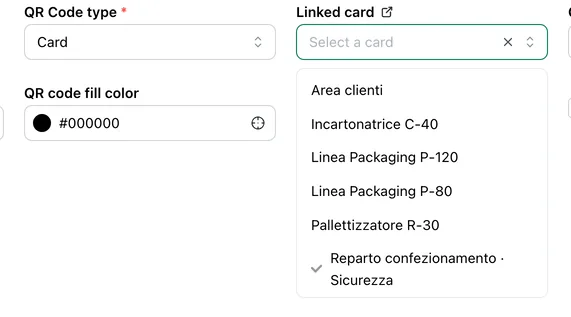
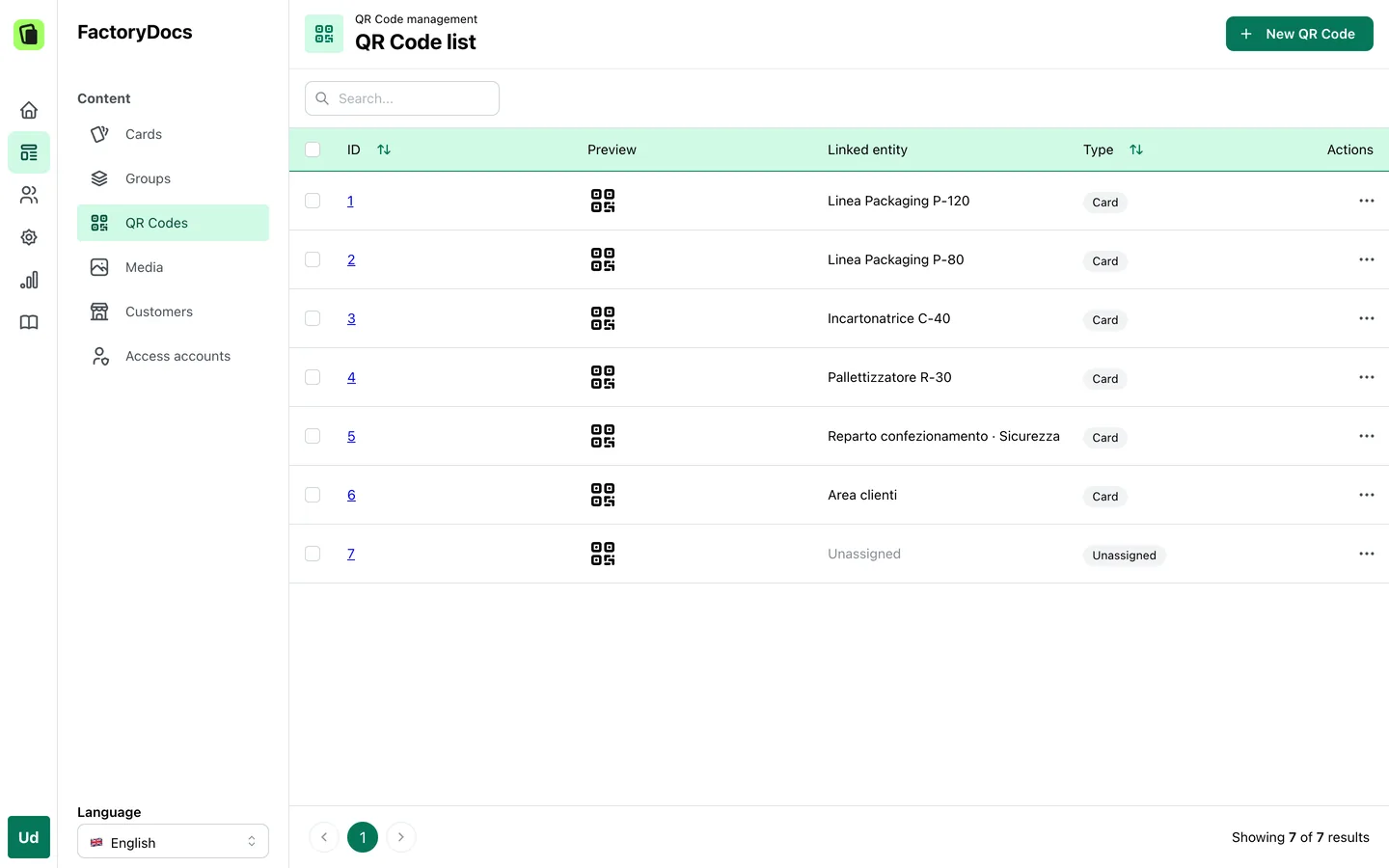
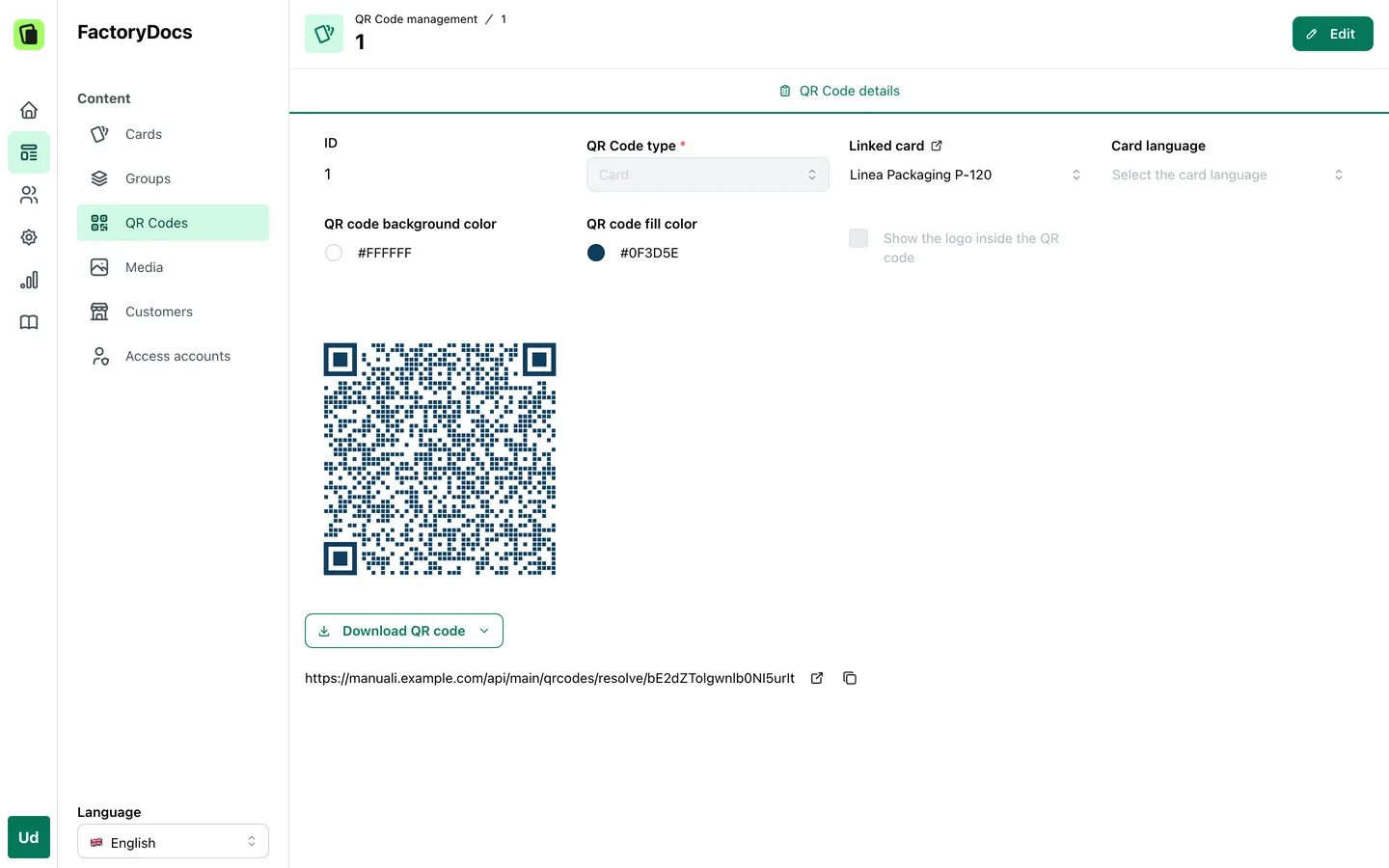
A FactoryDocs QR code holds a fixed address, on your domain. You change where it leads from the management platform, whenever you like: a sheet, one of its languages, a link, a contact to save to the address book. A QR code can also wait for a destination, like that of a deleted sheet.
One QR code for the model, one for each serial number.
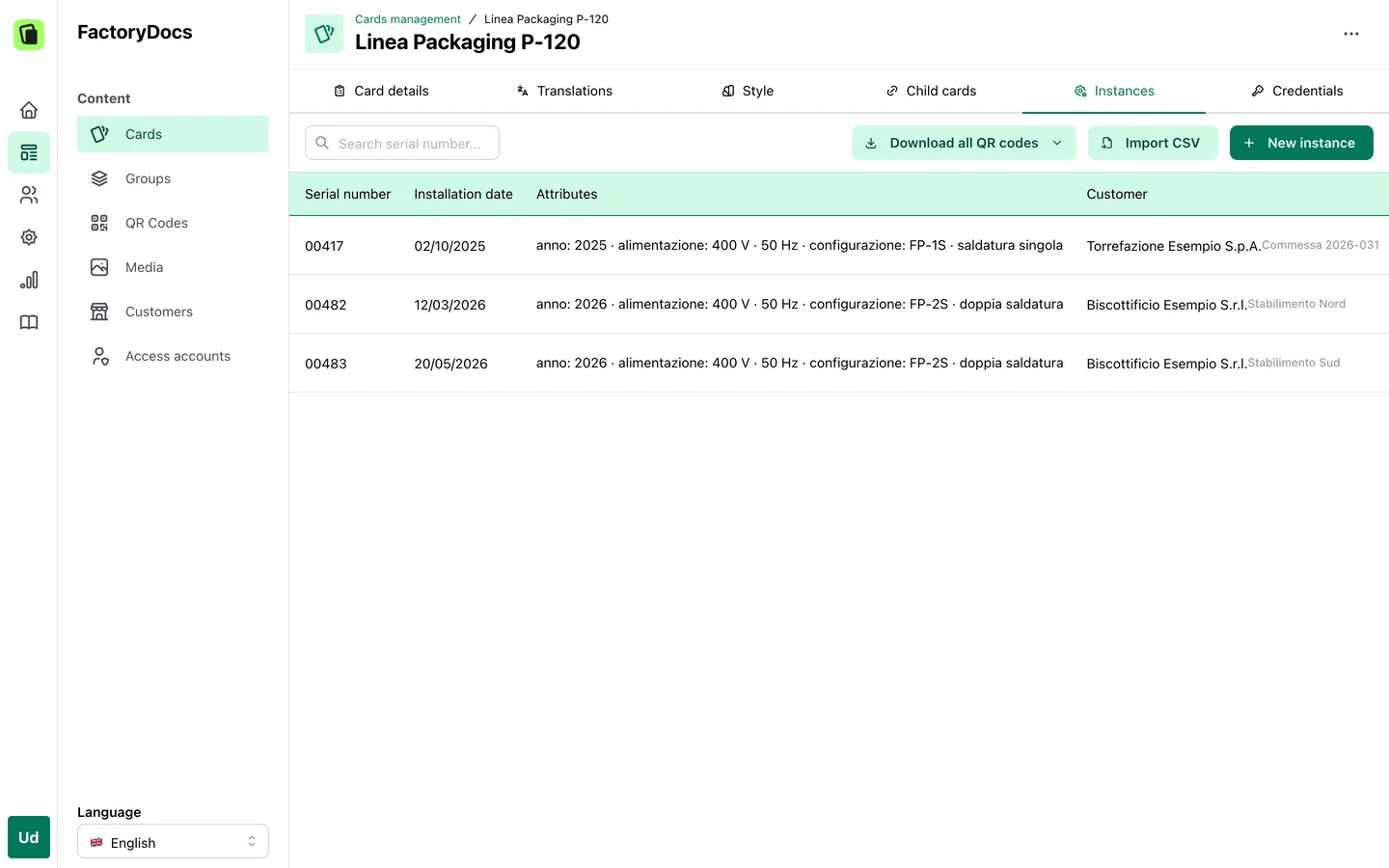
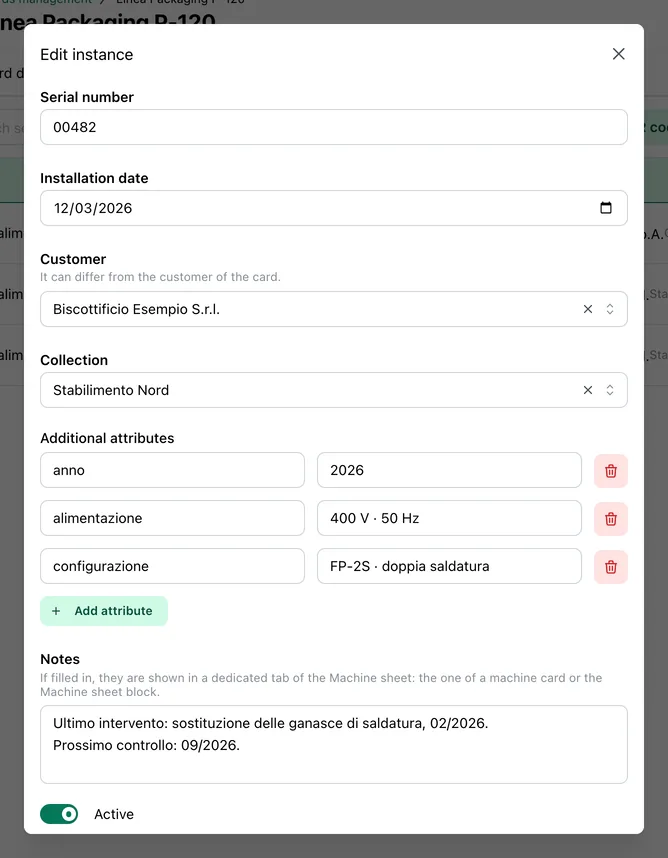
The model’s QR code opens the sheet. The QR code of a serial number opens the same sheet with the details of that unit at the top: serial number, installation date, details of its own such as voltage or configuration, notes. To each serial number you also attach up to two documents of its own, its declaration of conformity for example, which open from its QR code. Serial numbers are added by hand or from a CSV file, one row for each machine.
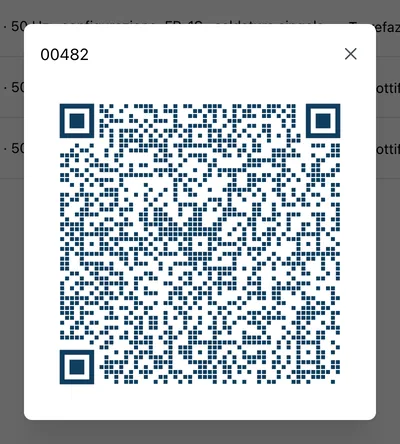
Ready for the nameplate.
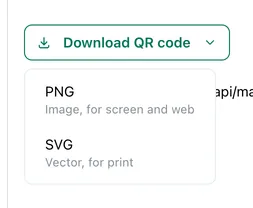
Every QR code downloads as a vector SVG, for printing, or as a PNG, for screen and web. You download them one at a time, or all together in a ZIP file: by sheet group, by selection or for the serial numbers of a model. Colours and logo are set on the QR code.
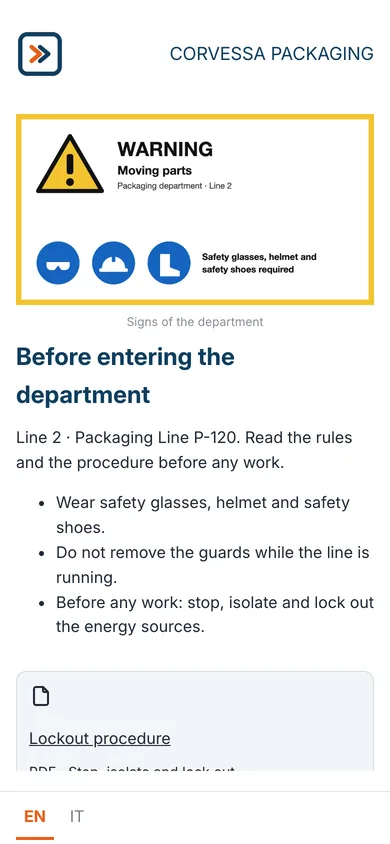
Not just machine sheets.
A QR code can also open a free-form page, made of blocks: text, images, audio, video, attachments, links and linked sheets. It suits the safety sign of a department, a page of warnings, the contacts of a plant.
Where it goes.
Regulation (EU) 2023/1230 requires marking on the machinery how to access the digital instructions. Where that is not possible, the marking goes on the packaging or in an accompanying document (Article 10(7), point (a)). The text names no technology: the QR code is one way of providing this information. All the requirements in the guide.
Frequently asked questions
No. The QR code opens the sheet, not the file: you upload the new revision to the sheet and the printed QR code leads there.
The model’s QR code opens the documentation shared by every machine of that model. The serial number’s QR code opens the same documentation with the serial number, installation date, details and documents of that unit, its declaration of conformity for example.
Yes, from a CSV file, with a column for the serial number, one for the installation date and one for each additional detail. Or with the API.
Every QR code downloads as a vector SVG. Material, size, contrast and engraving quality have to be checked with a scan test in the real conditions of use.
Yes. Whoever scans it sees the sheet in the language of their browser and changes it from the bar at the bottom of the page. Multilingual content.
Your first QR code, on one of your machines.
Try FactoryDocs: a sheet and its QR code, to apply wherever it’s needed.
Request a free trial